Re-Sync
The Re-Sync tab allows users to reset all guest interface options such as telephone, movie, and game restrictions and settings for all rooms.
Perform the following steps to re-sync the interface options:
Select the All Rooms or Individual Room option.
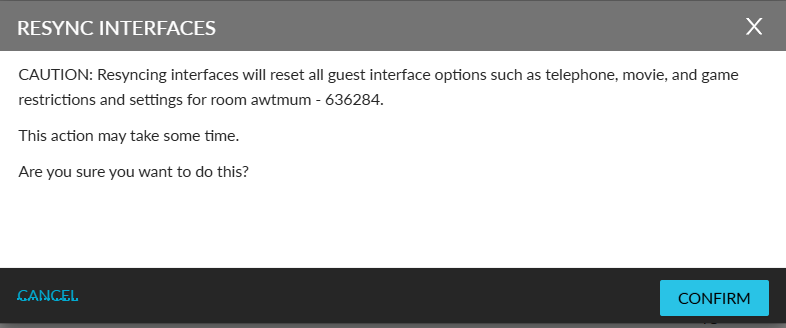
Click Resync. The Resync Interfaces pop-up screen appears.
Click Confirm. The guest interface settings are resynced.